





posts
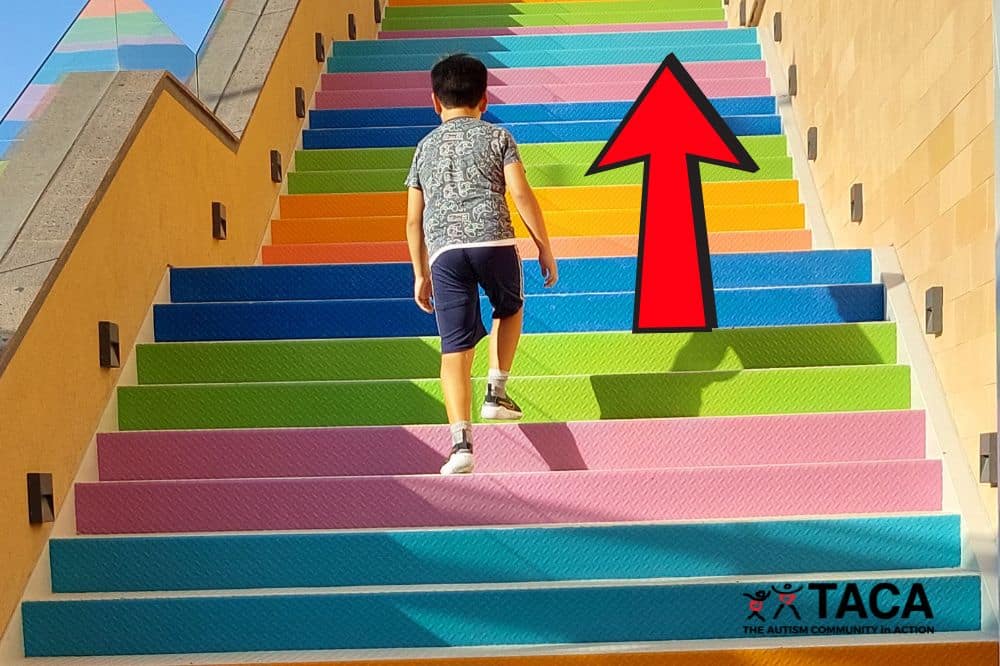
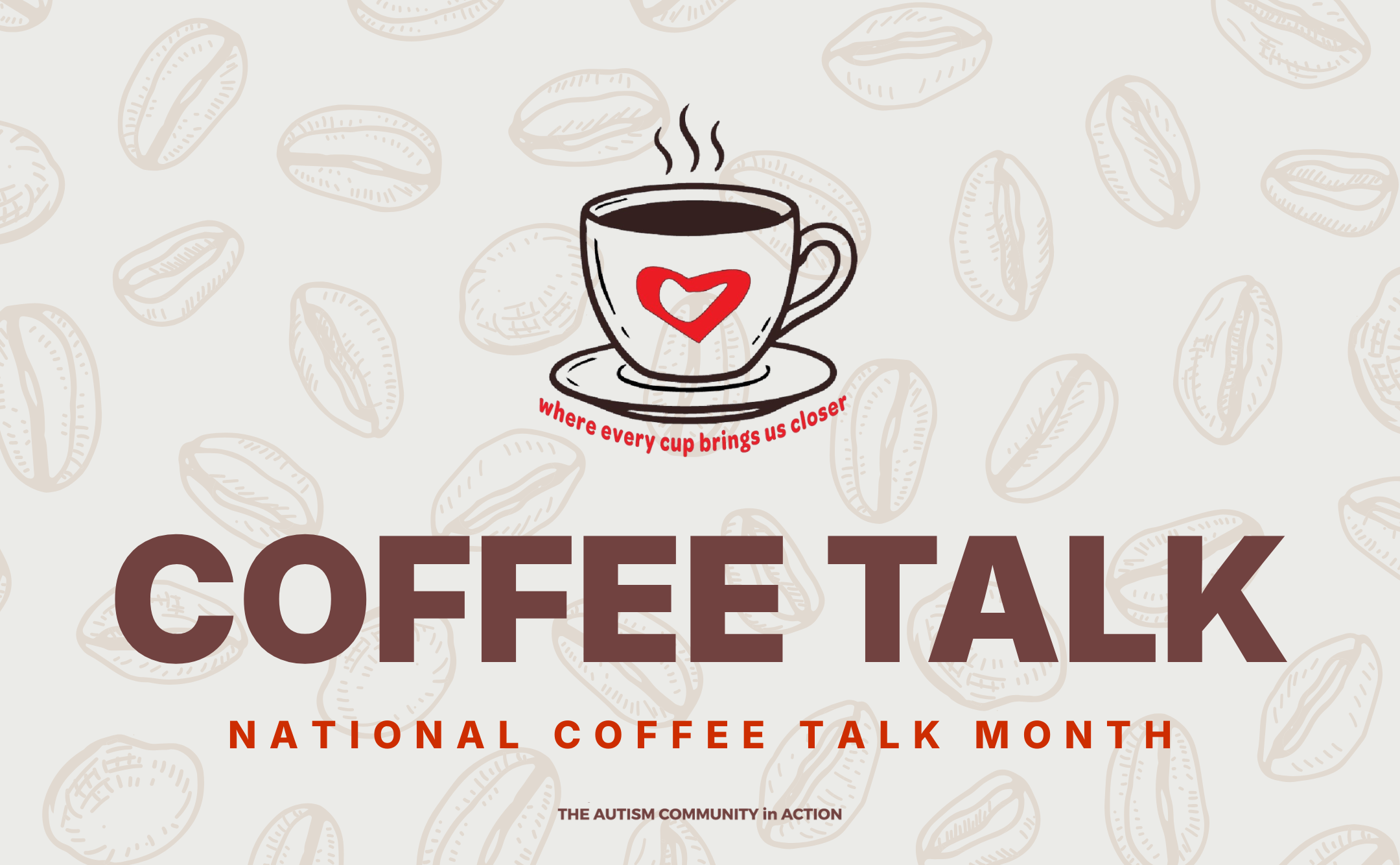
Featured Images & Photos1000px by 666px
JPG
 Fonts
FontsThese will be the standard fonts for all TACA specific collateral. Other campaigns and events can have different themes for header fonts but use Inter for all paragraph texts. Download Montserrat Fonts Download Inter Fonts Content Text Hierarchy
Please limit format to this to keep it simple for readers
Header 2 (Monserrat Extra Bold)
Header 3 (Montserrat Bold)
Header 6 (if necessary) (Inter Bold)
Paragraph (Inter Regular)
- List 1
- List 2
————————
Header 4 (special)(Inter Light)
Header 5 (all caps)(Montserrat Bold)
Title Case Capitalization (APA Style)Please limit format to this to keep it simple for readers
APA Style uses two types of capitalization for titles of works (such as paper titles) and headings within works: title case and sentence case.
In title case, major words are capitalized, and most minor words are lowercase. In sentence case, most major and minor words are lowercase (proper nouns are an exception in that they are always capitalized).
- major words: Nouns, verbs (including linking verbs), adjectives, adverbs, pronouns, and all words of four letters or more are considered major words.
- minor words: Short (i.e., three letters or fewer) conjunctions, short prepositions, and all articles are considered minor words.
How to implement title case
In title case, capitalize the following words in a title or heading:
- the first word of the title or heading, even if it is a minor word such as “The” or “A”
- the first word of a subtitle
- the first word after a colon, em dash, or end punctuation in a heading
- major words, including the second part of hyphenated major words (e.g., “Self-Report,” not “Self-report”)
- words of four letters or more (e.g., “With,” “Between,” “From”)
Lowercase only minor words that are three letters or fewer in a title or heading (except the first word in a title or subtitle or the first word after a colon, em dash, or end punctuation in a heading):
- short conjunctions (e.g., “and,” “as,” “but,” “for,” “if,” “nor,” “or,” “so,” “yet”)
- articles (“a,” “an,” “the”)
- short prepositions (e.g., “as,” “at,” “by,” “for,” “in,” “of,” “off,” “on,” “per,” “to,” “up,” “via”)
When to use title case
Use title case for the following:
- titles of articles, books, reports, and other works appearing in text
2048px by XXXXpx
PNG
Files are big so it can be used to zoom in using lightbox mode
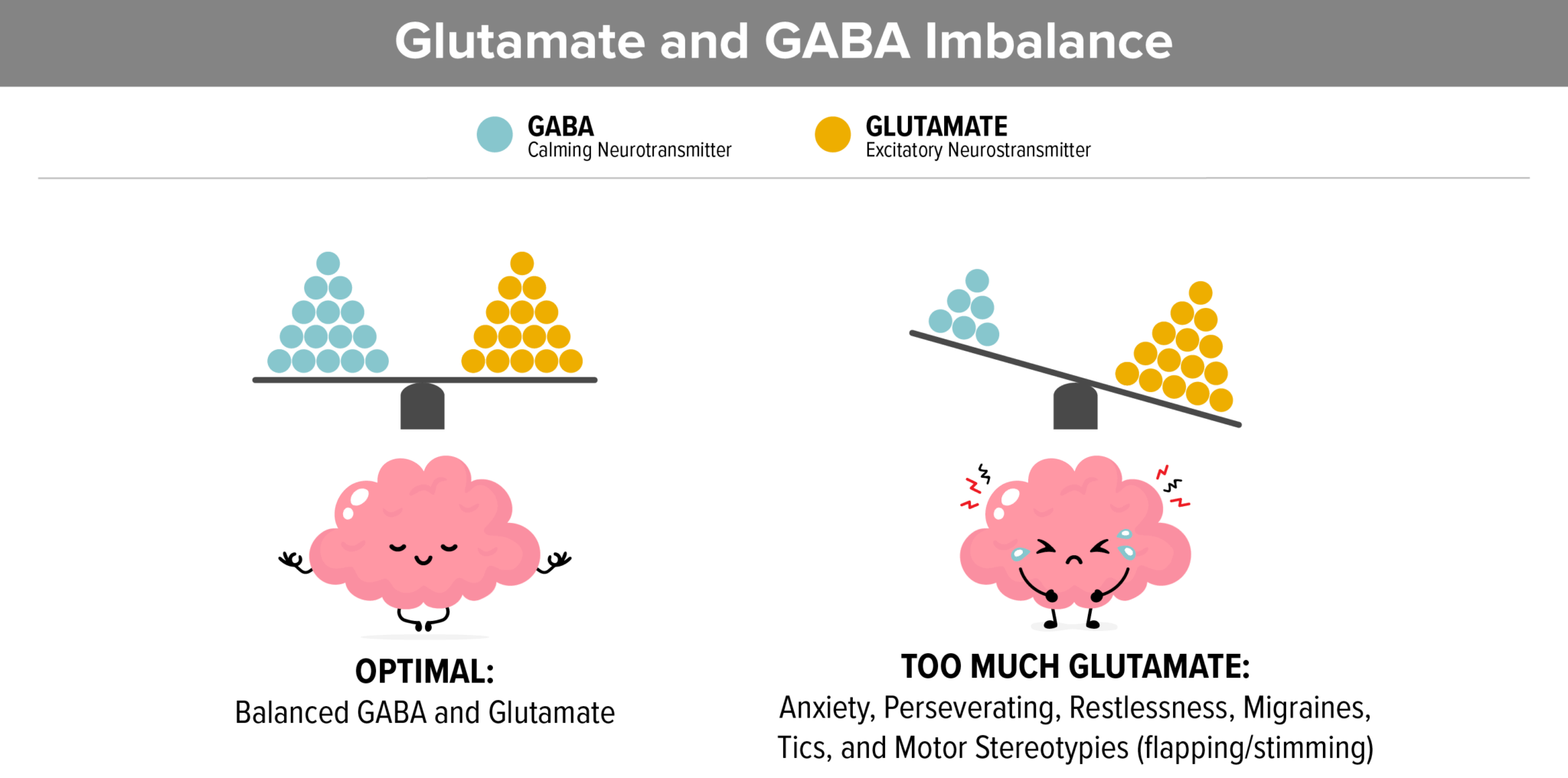 Pop-up Lightbox
Copy and paste code on text editor but remove red hyphen
[-su_lightbox type=”image” src=”IMAGE_URL HERE” mobile=”yes”]<img src=”IMAGE_URL HERE”>[/su_lightbox]
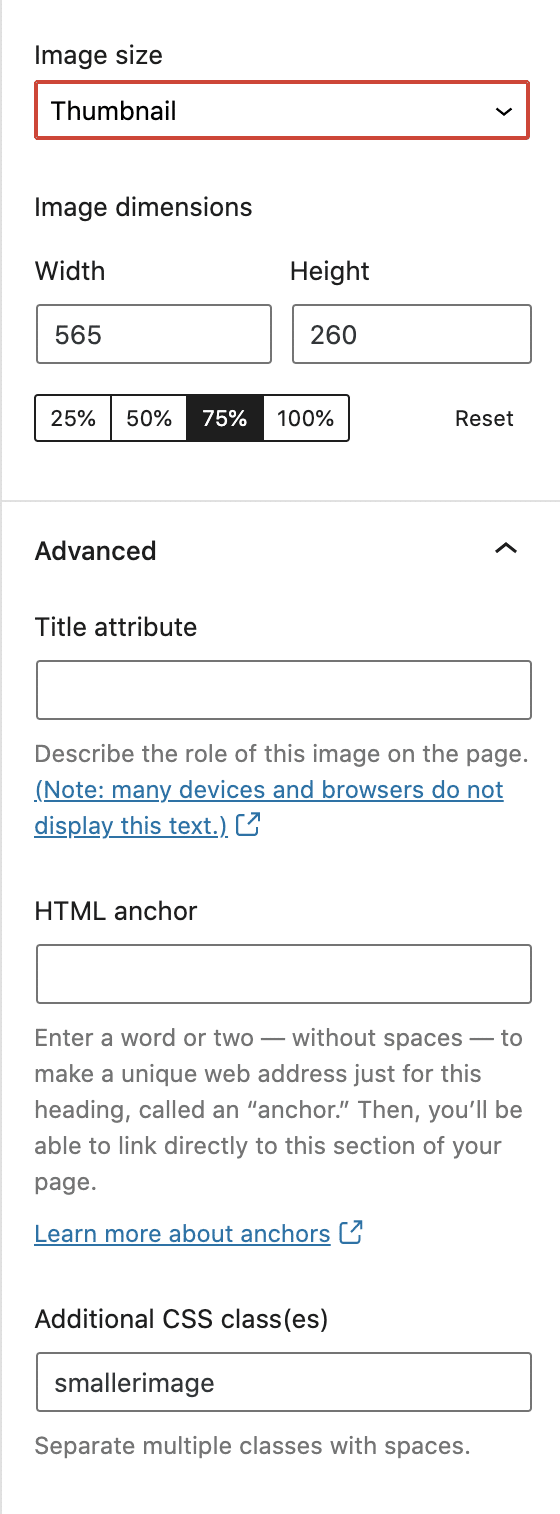
Smaller Graphics and ImagesAfter adding the image, click on the block and go to Advanced and add smallerimage under additional css
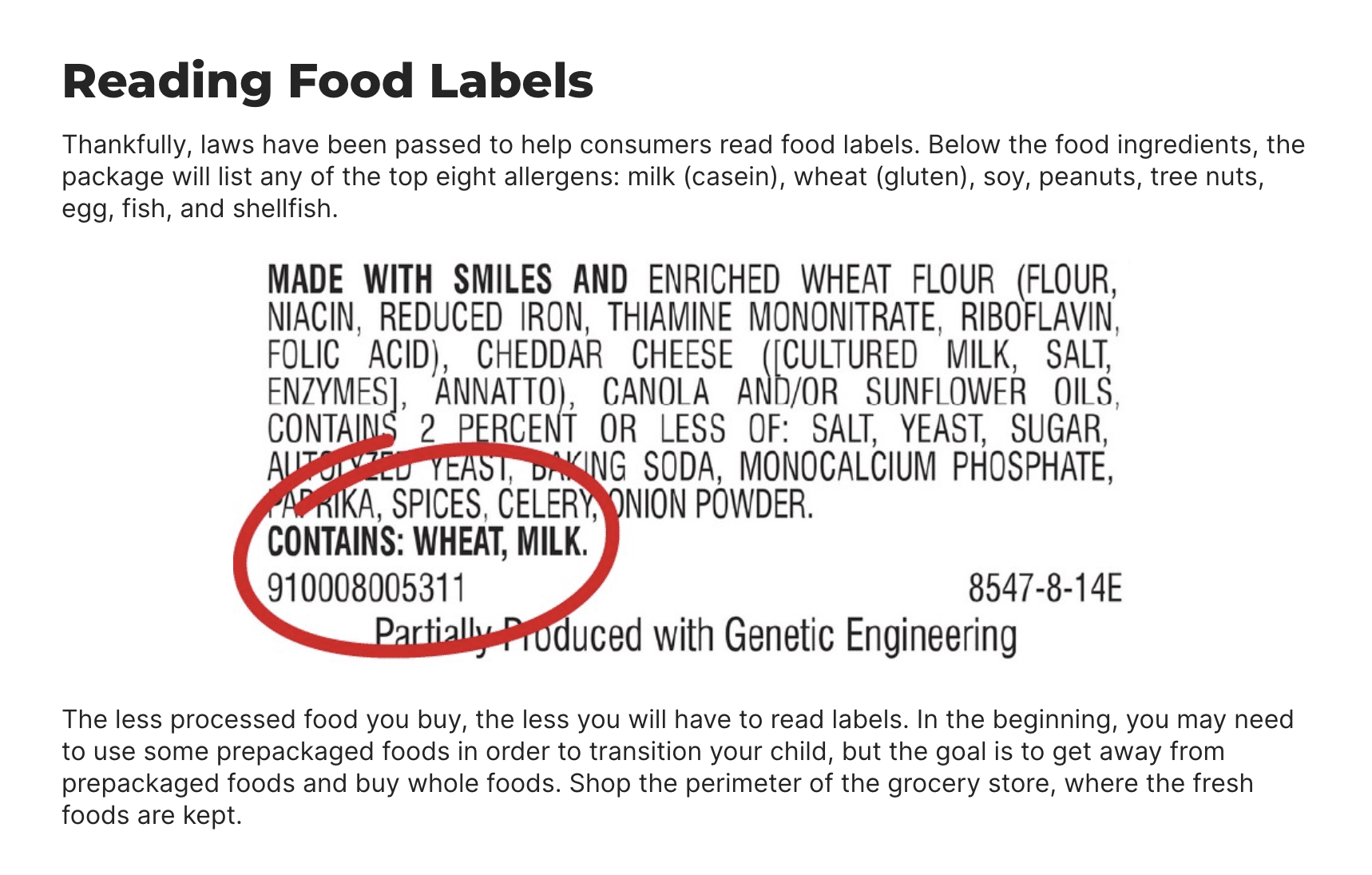
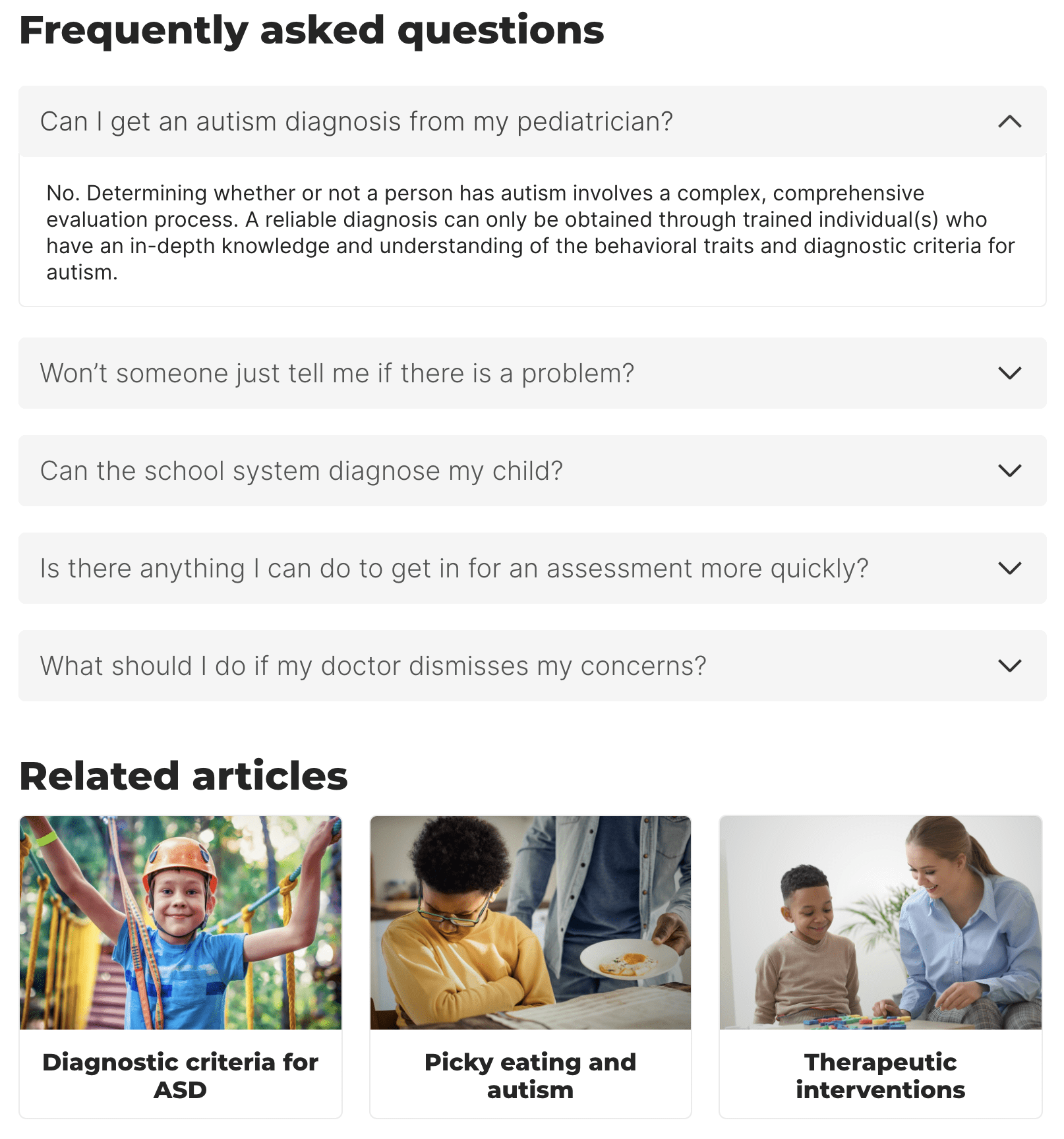
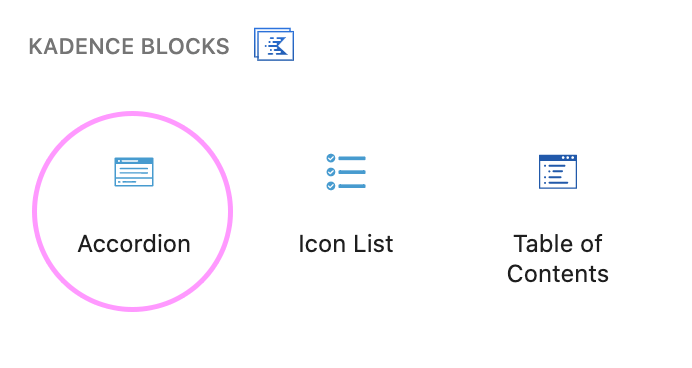
 Post Add-ons
Add only when needed



1200px by 630px
JPG
Download PSD Template
 Free Stock Photography Resources Websites
Great selection of photos that doesn’t have that stock photography feel
unsplash.com pixabay.com pexels.com
Glossary
Glossary EntriesAfter adding the description, click on text view tab, replace <p> </p> with <span> </span> (fixes tooltip spacing issues)
Keep entries short with no links and images
Avoid using bullets if possible

events
Add an eventFill out the details and taxonomies that apply
Timezone guide